<!-- That's it. Really. -->
<script
  src="https://contextcapture.ai/widget.js"
  defer></script>
<script>window.IssueReporter?.init()</script>
Zero config needed. Domain auto-detected. Issues routed to your GitHub repo automatically.
50%
Faster bug resolution
5hrs
Saved per week on triage
0
"Can you send a screenshot?"
Demo
From bug to GitHub issue in 30 seconds
Watch how your users can report bugs with full technical context - no DevTools required.
Watch the 2-minute demo
See how easy bug reporting can be
Without ContextCapture
- ✗"The button doesn't work" - no details
- ✗Back-and-forth asking for screenshots
- ✗"What browser are you using?"
- ✗"Can you open DevTools and check for errors?"
- ✗Hours wasted on reproduction
With ContextCapture
- ✓Screenshot of exact issue attached
- ✓Console logs with full stack traces
- ✓Browser, OS, viewport auto-captured
- ✓Element selector & HTML snippet included
- ✓Fix bugs in minutes, not hours
Features
Everything AI needs to fix bugs
Copilot, Claude, Cursor - they all need context to help. Every bug report includes exactly what AI agents need to understand and fix issues immediately.
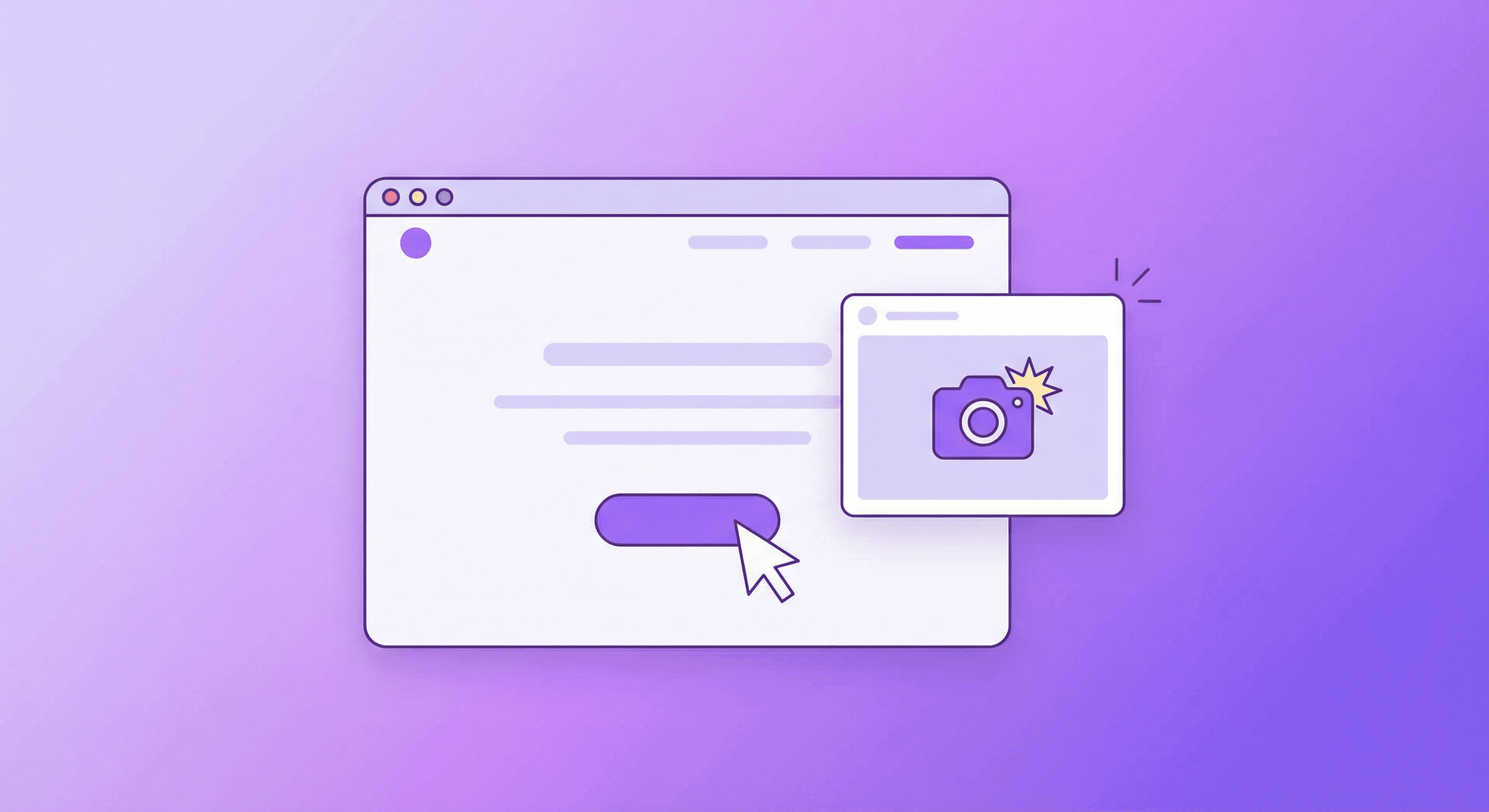
Never Ask Again
Automatic Screenshots
Users click, you get a pixel-perfect screenshot. No more 'can you send a screenshot?' - it's already attached to every issue.
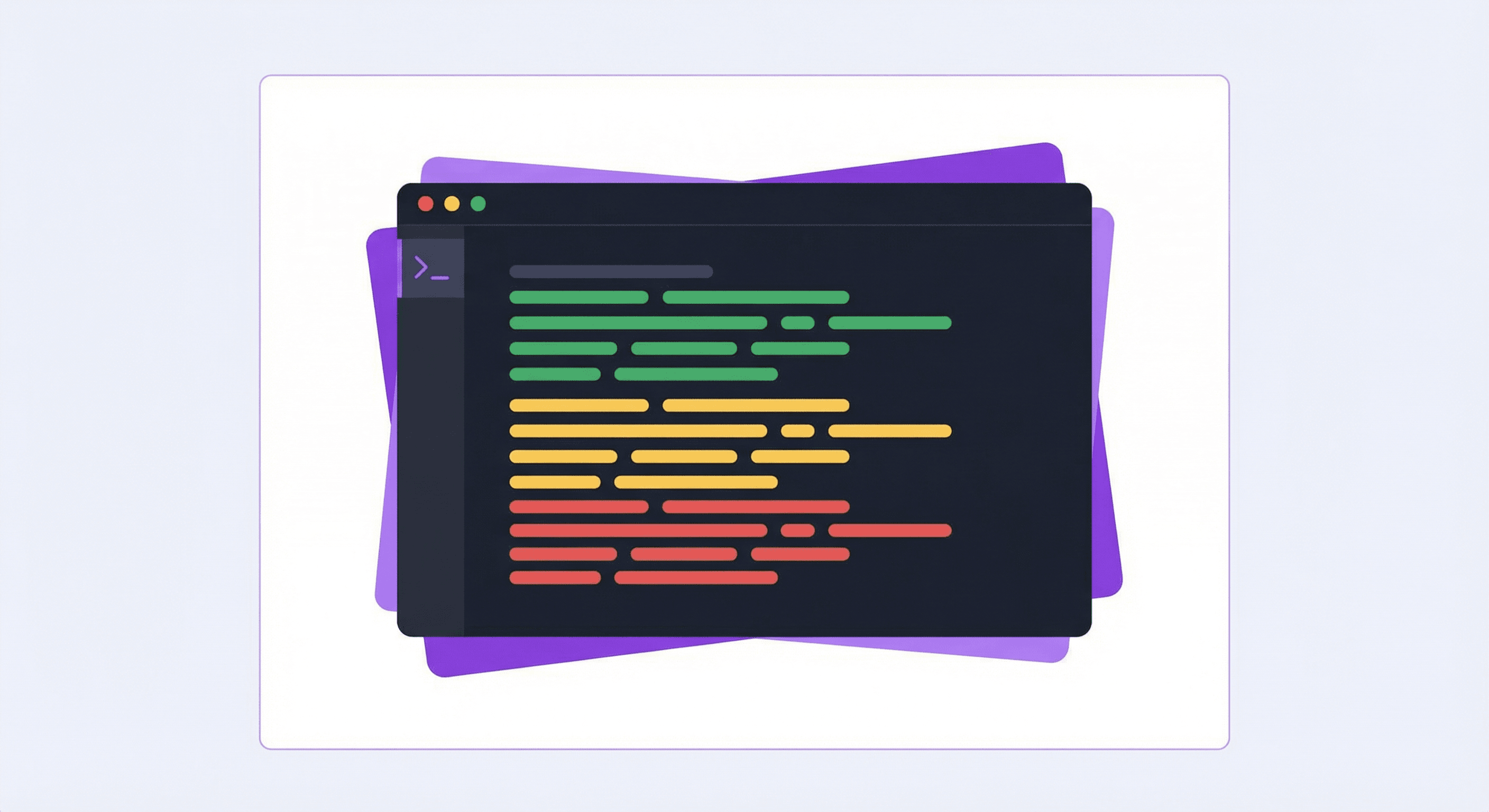
Debug Instantly
Console Logs Included
See exactly what went wrong. Last 50 console entries with full stack traces - no more asking users to open DevTools.
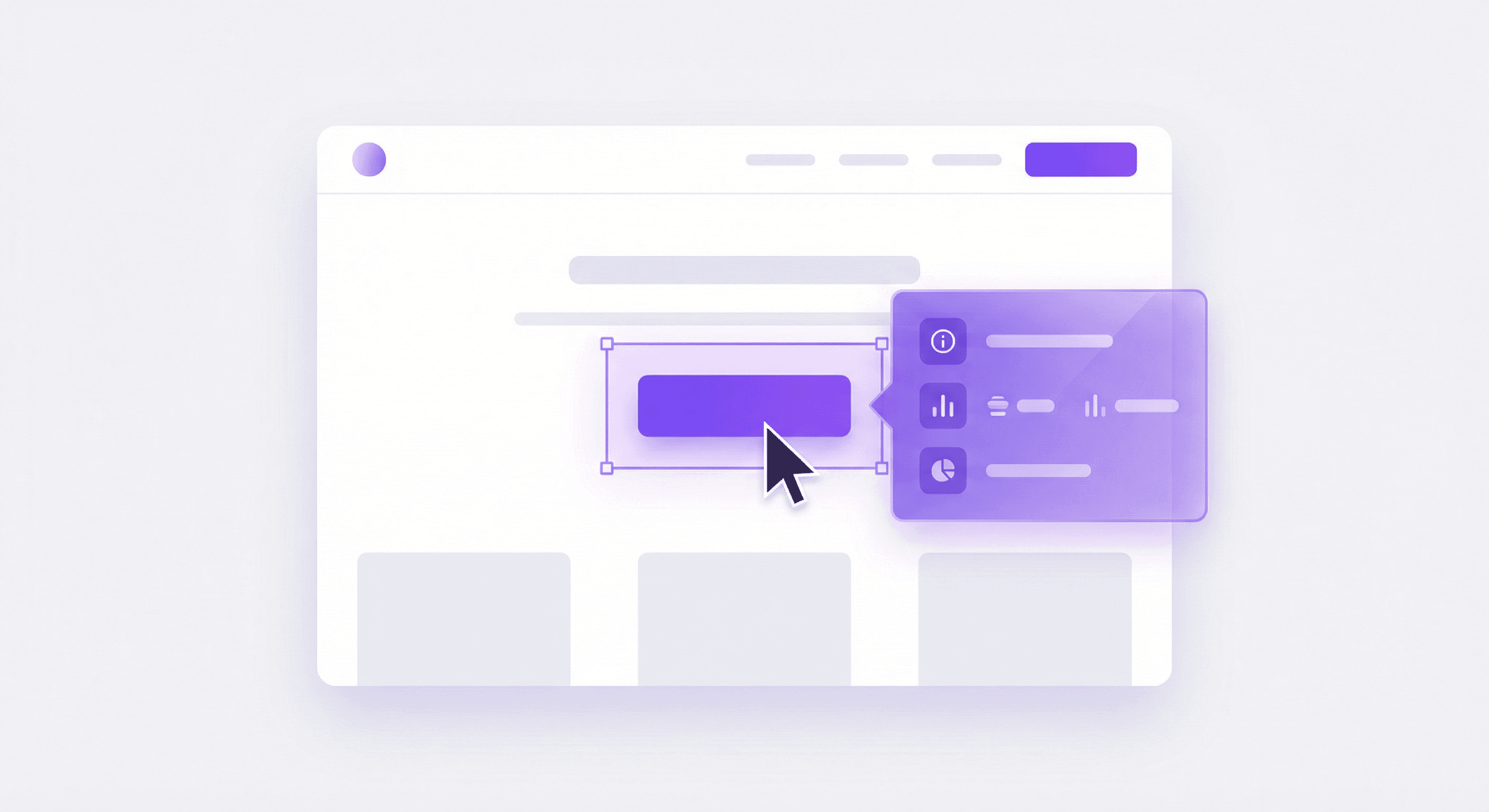
Point & Click
Element Selection
Users click directly on the broken element. You get the CSS selector, HTML snippet, and computed styles. Pinpoint issues instantly.
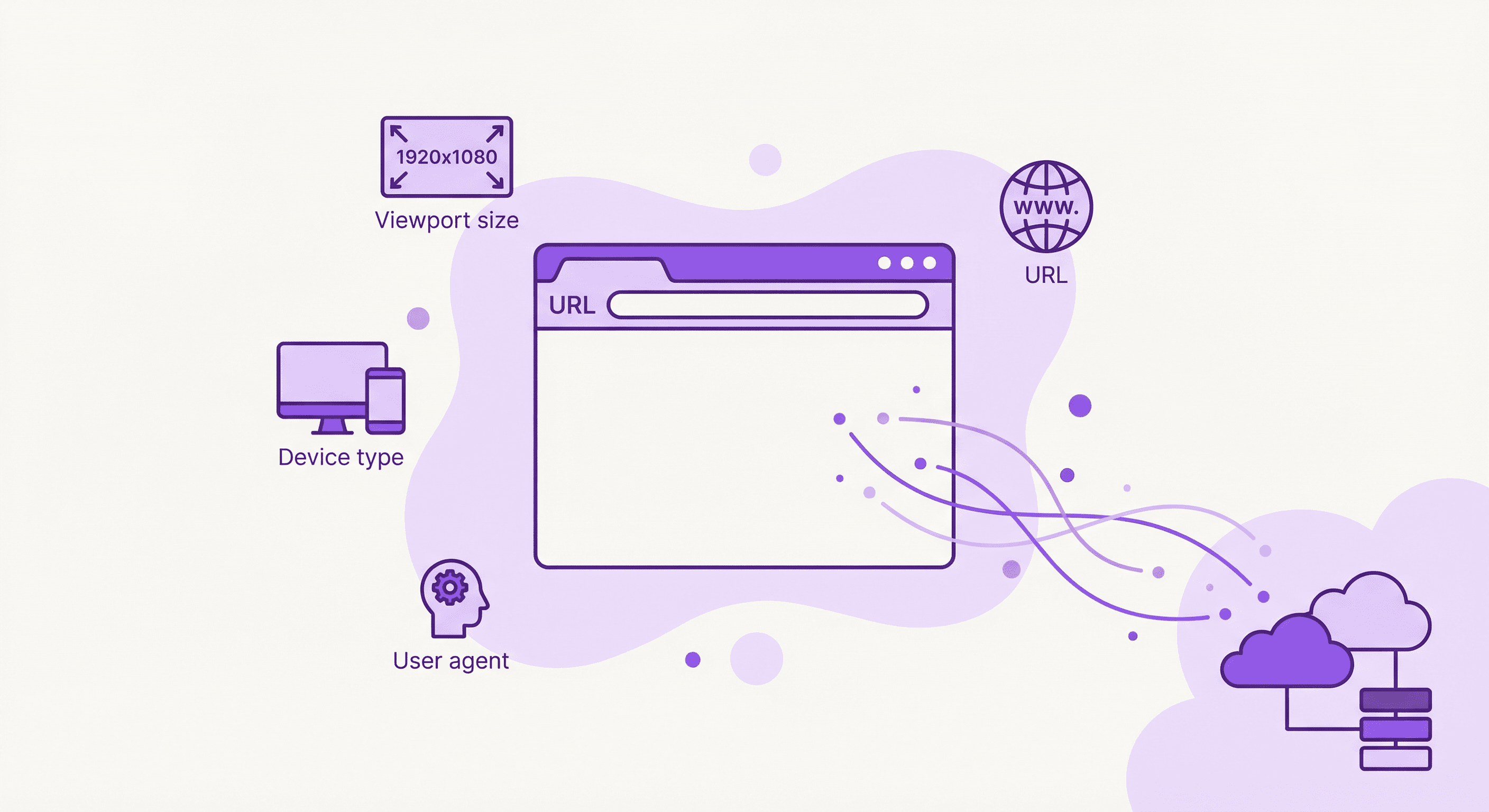
No More Guessing
Browser Context
Chrome? Safari? Mobile? Desktop? You'll know instantly. URL, viewport, user agent, and device info captured automatically.
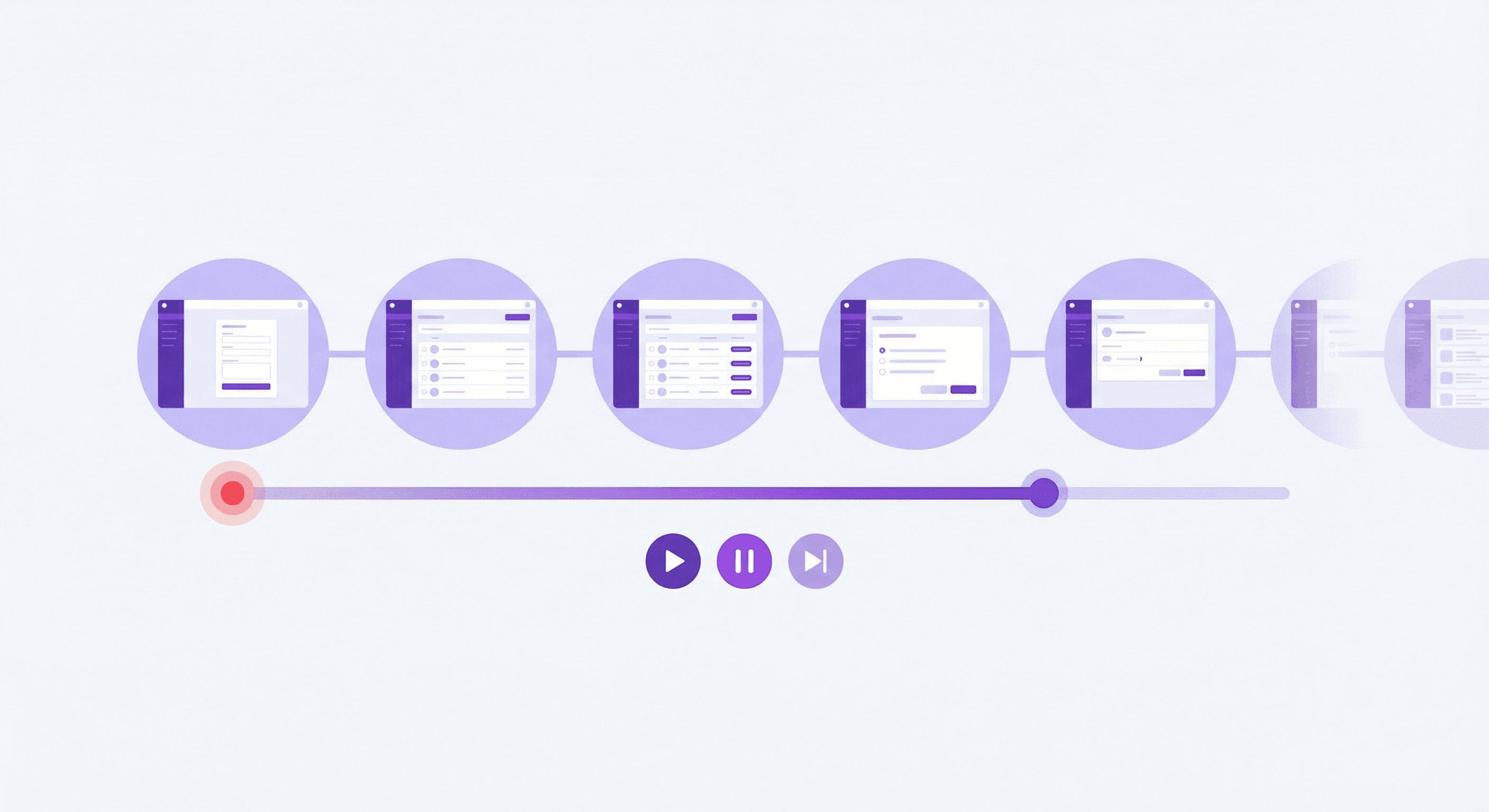
Full Journey
Session Recording
See everything that led to the bug. Periodic screenshots, DOM snapshots, and user interactions. Replay the entire user journey.
Session recording
Replay the journey behind every bug
Users click "Start Recording" and we capture everything: periodic screenshots, DOM snapshots, console logs, clicks, navigation. When they hit a bug, you see exactly what happened.
Timeline Playback
Scrub through the user journey with timestamped events
Full Context at Every Frame
Screenshot + DOM + console logs synced together
AI Analysis Ready
Generate prompts with the full session context for AI debugging
Smart Compression
Only ~5MB for a 5-minute session - efficient and fast
Integrates with your workflow
AI-Ready Output
Structured for Copilot, Claude, and Cursor
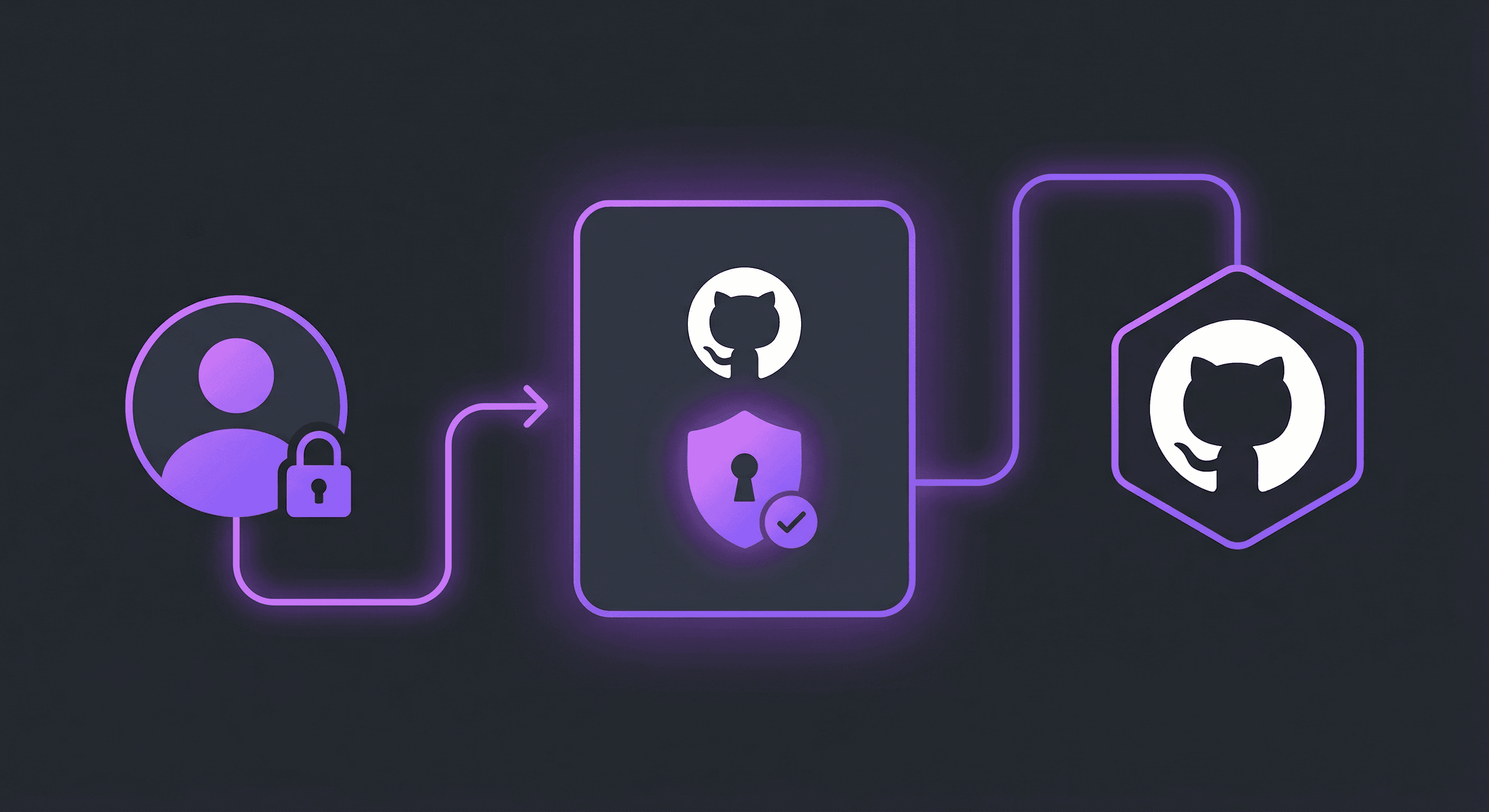
Direct
GitHub OAuth Flow
Secure OAuth device flow authentication. Users sign in once, then report issues directly. No tokens stored on servers - everything is browser-based.
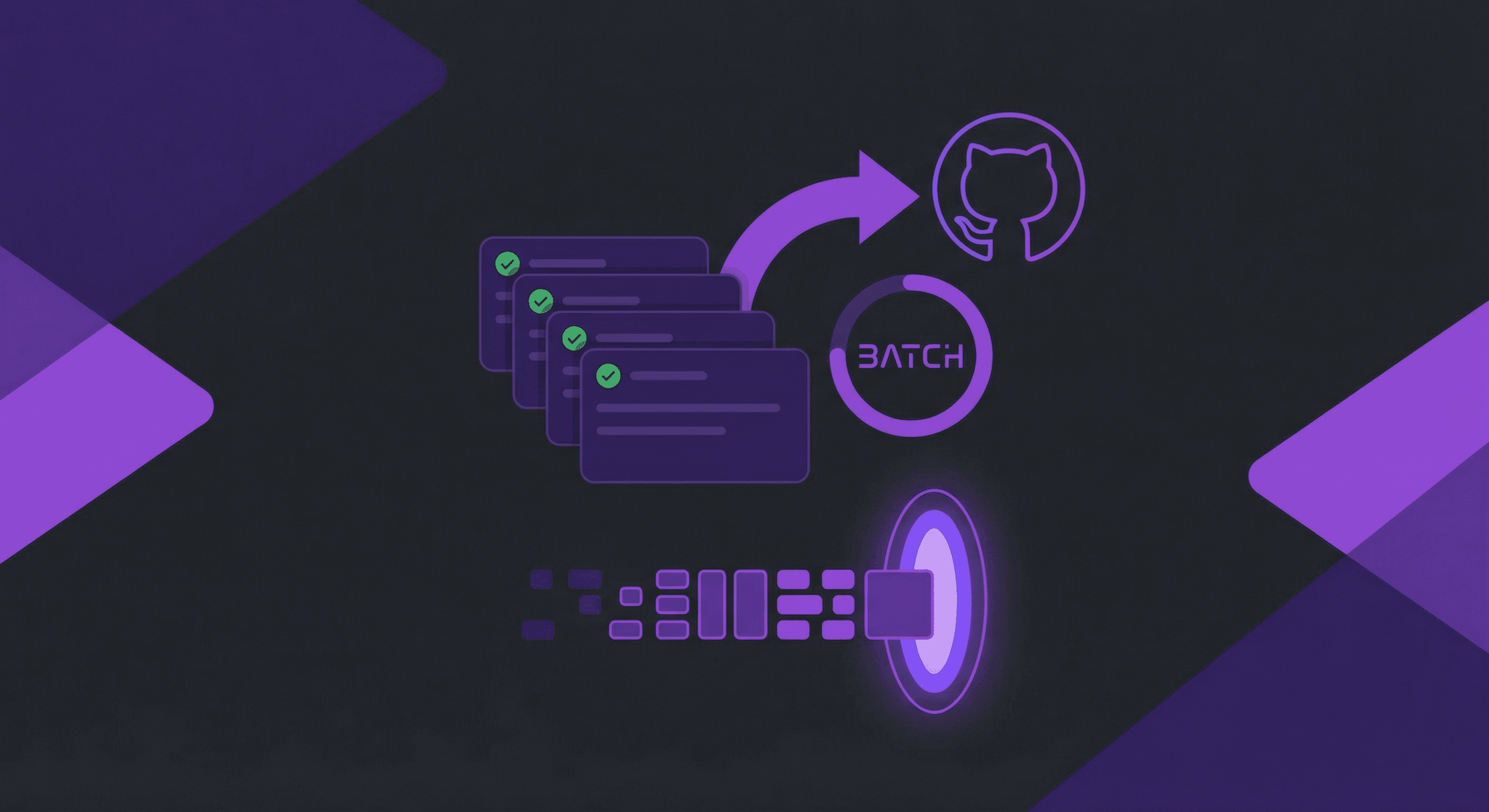
Efficient
Batch Issue Creation
Collect issues during a testing session, review them all in a list, and ship them to GitHub in batch. Create branches automatically for each issue.
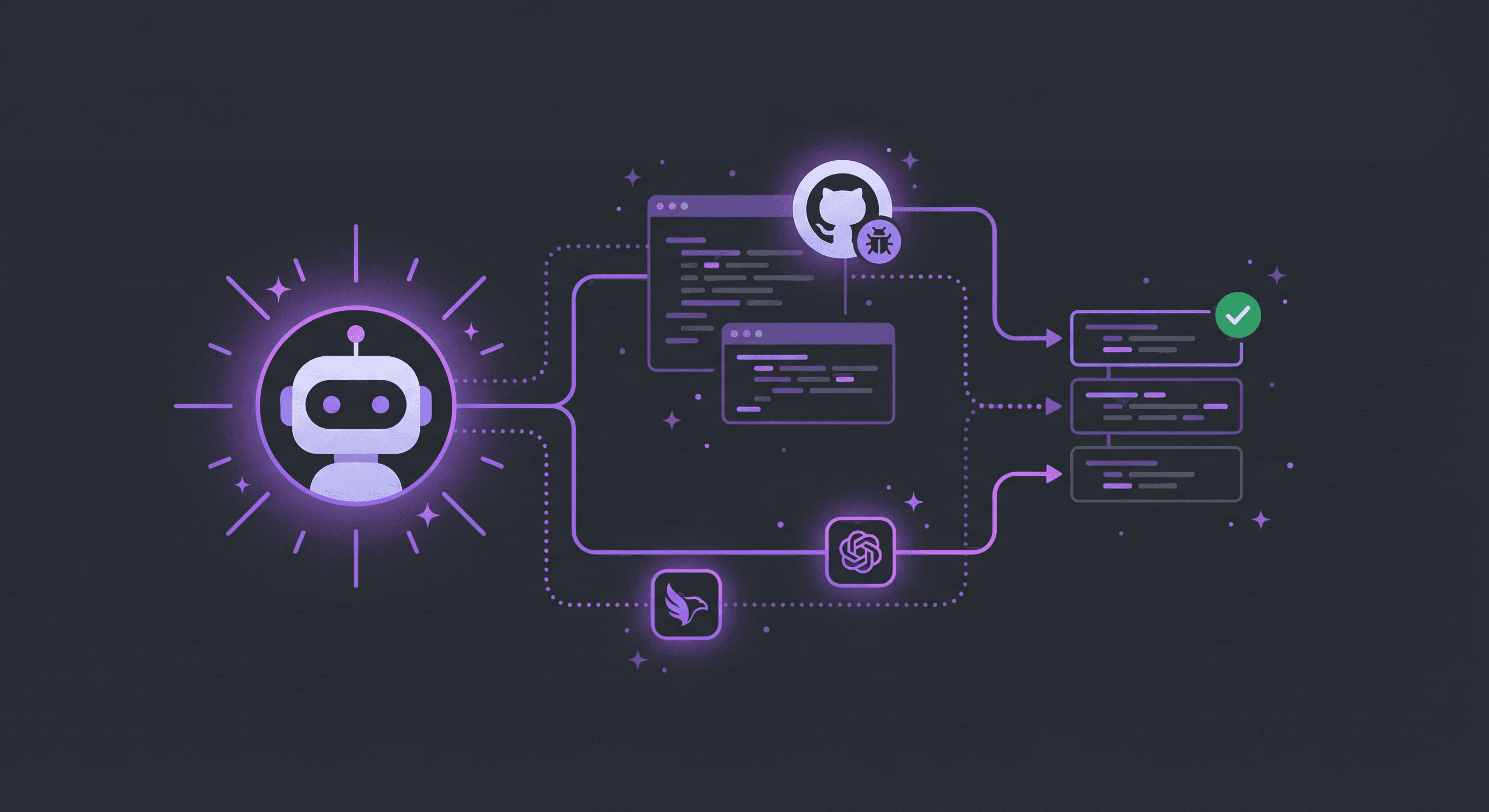
AI-Ready
Perfect for Copilot & Claude
Issues include all technical context AI assistants need. Generate prompts for GitHub Copilot, Claude, or ChatGPT directly from issues. Accelerate AI-assisted development.
Universal
Any Framework
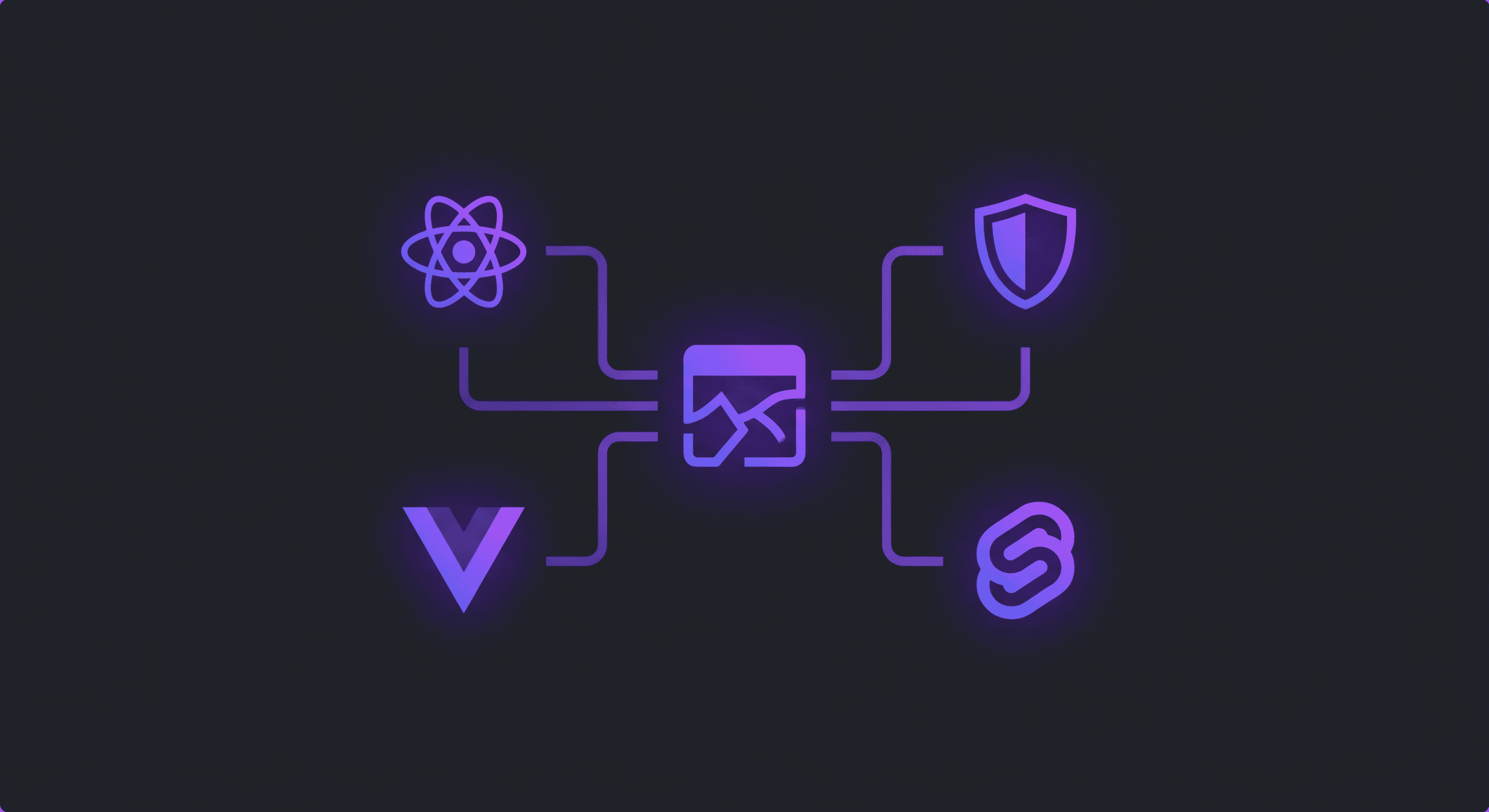
React, Vue, Angular, Svelte, or plain HTML. Works with any JavaScript framework.
How it Works
From bug report to AI-generated fix
The complete feedback loop. Users report, context is captured, AI understands, fixes ship. No back-and-forth.
User Reports Bug
User clicks the widget, selects the broken element, and describes the issue. Takes 30 seconds.
Context Captured
Screenshot, console logs, element details, browser info - everything AI needs is automatically attached.
Issue Created
Full context goes straight to GitHub. Structured perfectly for AI agents to understand.
AI Fixes It
Copilot, Claude, or Cursor reads the issue, understands the context, and generates the fix. Ship it.
"Isn't life better with just a little bit of context sometimes?"
Complete the AI loop
Capture → Context → AI → Fix. The full feedback loop for AI-assisted development. Your AI is only as good as the context you give it.
Start capturing context